
1. Ensure the environment around the UV flatbed printer is clean. Excessive dust can lead to poor lubrication of the carriage guide shaft, obstructing printhead movement during printing, causing inaccurate printing positions, damage to the mechanical frame, or even system crashes. When the printer is restarted before the printhead returns to its initial position, it will first return the printhead to its initial position and then perform a printhead cleaning operation, resulting in unnecessary ink waste.
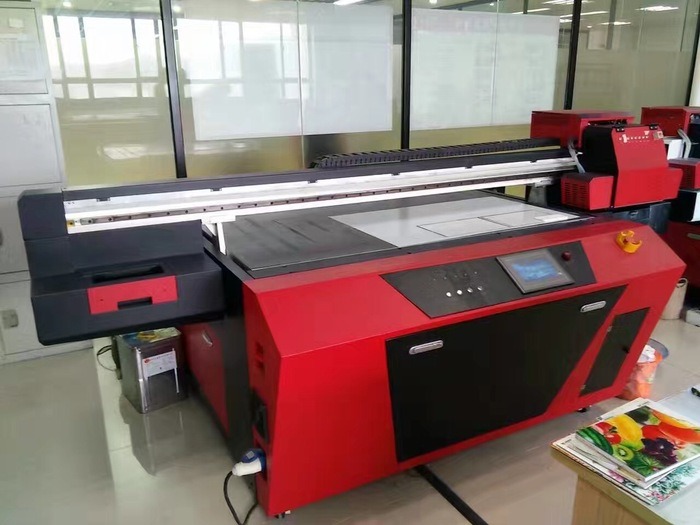
2. Ensure the UV flatbed printer has a stable working platform. Do not place any objects on top of the UV flatbed printer. The printer's front cover must be closed during printing to prevent dust from entering the machine or other hard objects from obstructing the movement of the printer carriage. Do not plug or unplug the printer cable while it is powered on, as this will damage the printer's print port and the PC's parallel port, and in severe cases, even damage the PC's motherboard. If the print output is unclear, you can use the printer's automatic cleaning function to clean the printhead, but this will consume a small amount of ink. If the print quality is still unsatisfactory after several cleanings, the ink may be depleted, and the ink cartridge needs to be replaced.
3. Before turning off the printer, return the printhead to its initial position (the printhead automatically returns to its initial position when the printer is paused). This is done for two reasons: first, to avoid wasting ink by having the printer clean the printhead again the next time it's turned on; and second, because the printhead is sealed in its initial position by the protective cover, making it less prone to clogging.
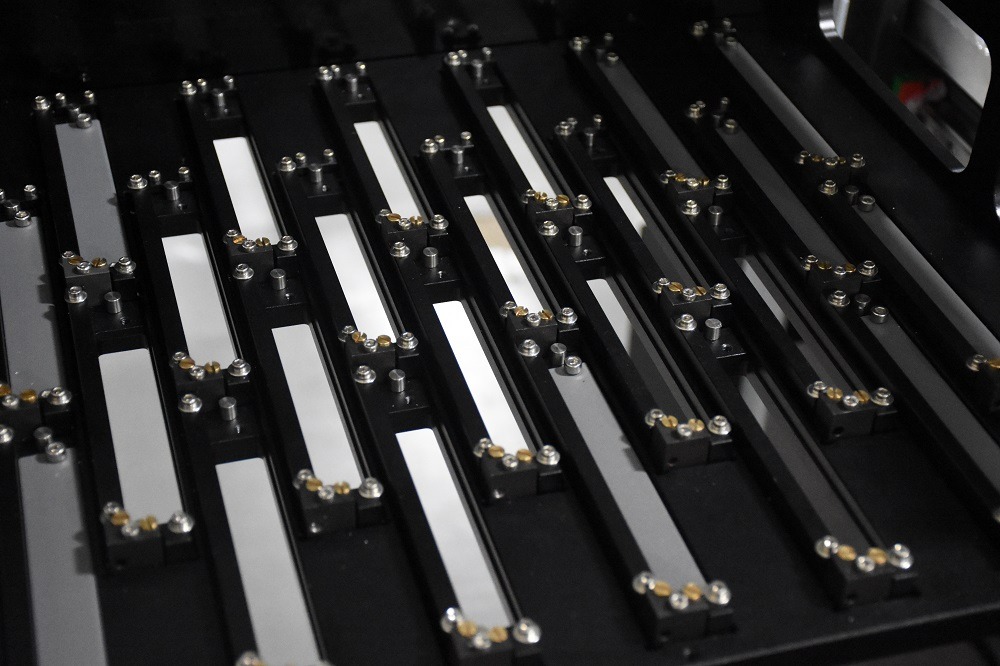
4. Ink cartridges require frequent calibration: Experienced printer users know that printers need to be calibrated after reinstalling or replacing ink cartridges to improve printing accuracy and quality.
5. Do not remove ink cartridges when they are not empty to avoid ink waste or printing errors.
6. When ink cartridges are not in use for extended periods, store them at room temperature, avoiding direct sunlight. Ink evaporates quickly in such environments, easily causing printhead clogging. Additionally, in low-temperature and humid environments, printhead circuitry and ink are prone to problems.
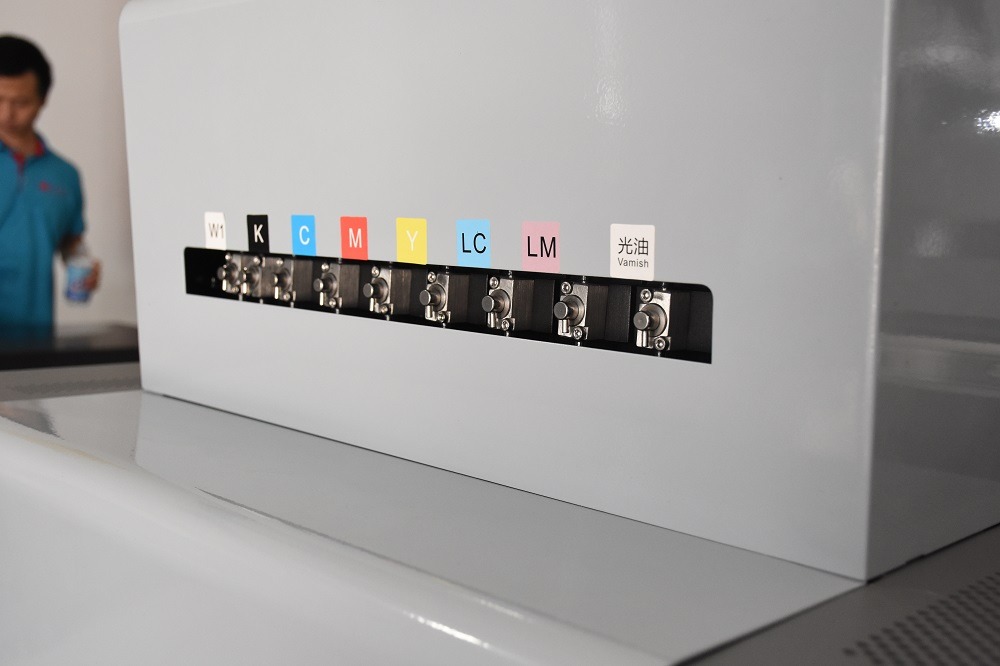
7. Always follow the steps in the user manual when replacing ink cartridges, especially ensuring the power is on. After replacing a cartridge, the printer will refill the ink delivery system, a process that cannot be performed when the printer is off, and the printer will not be able to detect the newly installed cartridge. Additionally, some printers use an internal electronic counter to measure ink capacity (especially for color ink usage). When this counter reaches a certain value, the printer determines that the ink is depleted. During cartridge replacement, the printer resets its internal electronic counter to confirm the installation of a new cartridge.
8. Furthermore, the raster strip of a UV flatbed printer should be protected. Do not touch it with your hands or allow it to collect dust to prevent inaccurate positioning