
Many beginners entering UV printing mistakenly think RIP software is just a basic print program. If UV printing workflow is a factory, RIP (Raster Image Processor) works as both translator and production scheduler. It converts artwork files into readable inkjet commands for UV printers and controls the whole printing process.
- Printers cannot read images directly, RIP acts as a translator
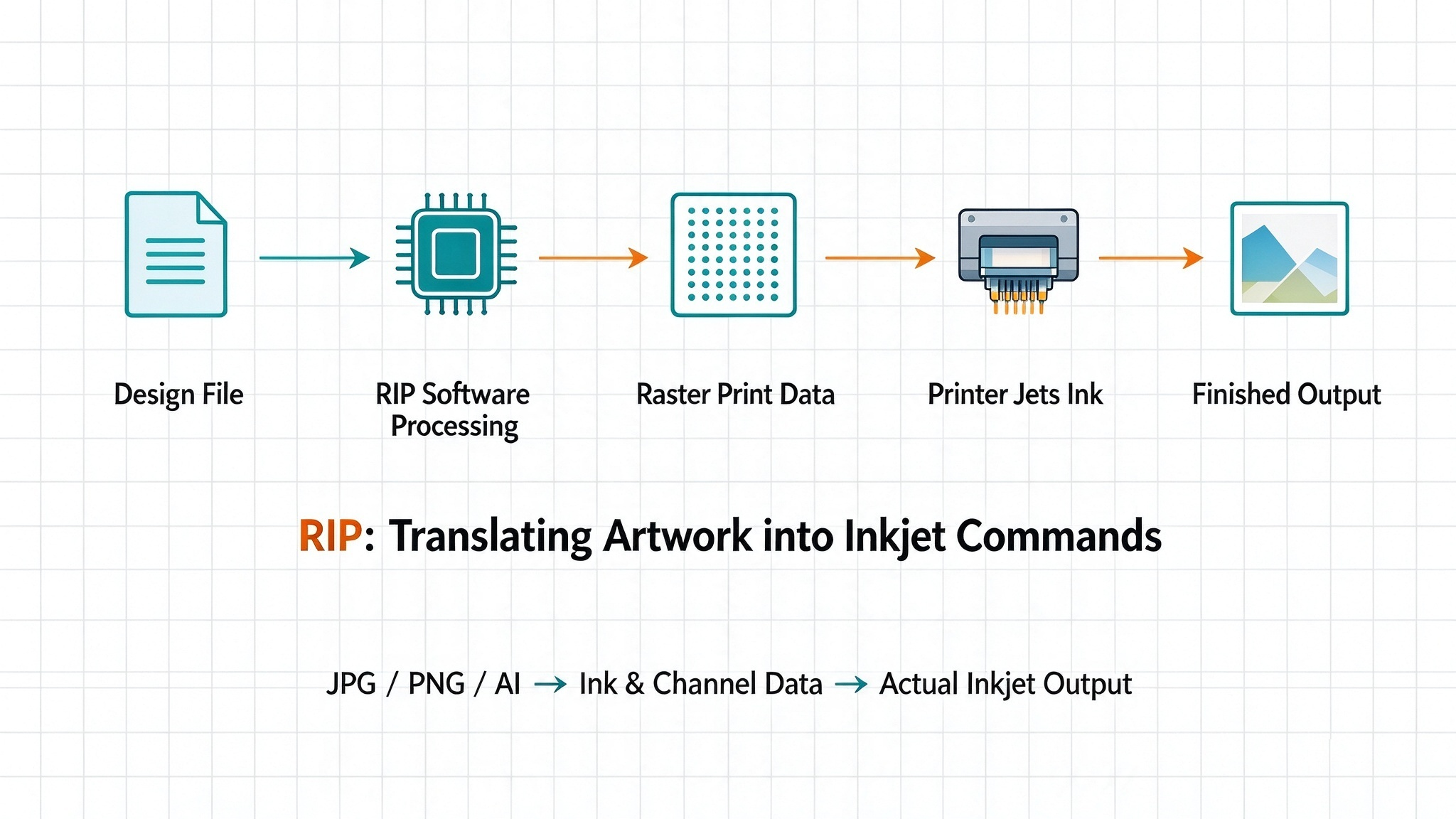
JPG, PNG or AI files on your computer contain RGB colors, pixels, gradients and transparency. But UV printers cannot understand image files. Printers only accept precise commands: where to fire ink droplets, how much ink to release and when to jet.
The full workflow:
Design file → RIP processing → Raster print data → UV printer inkjet output
Without RIP, your artwork cannot be printed correctly even with high-end UV hardware.
- Core tasks handled by UV printing RIP software
RIP performs heavy image calculation instead of simple file transfer:
- Color conversion: Translate RGB design colors into ink-based print data
- Ink limit control: Prevent ink pooling and running by setting maximum ink coverage
- Print mode setup: Resolution, print speed, uni-directional / bi-directional printing
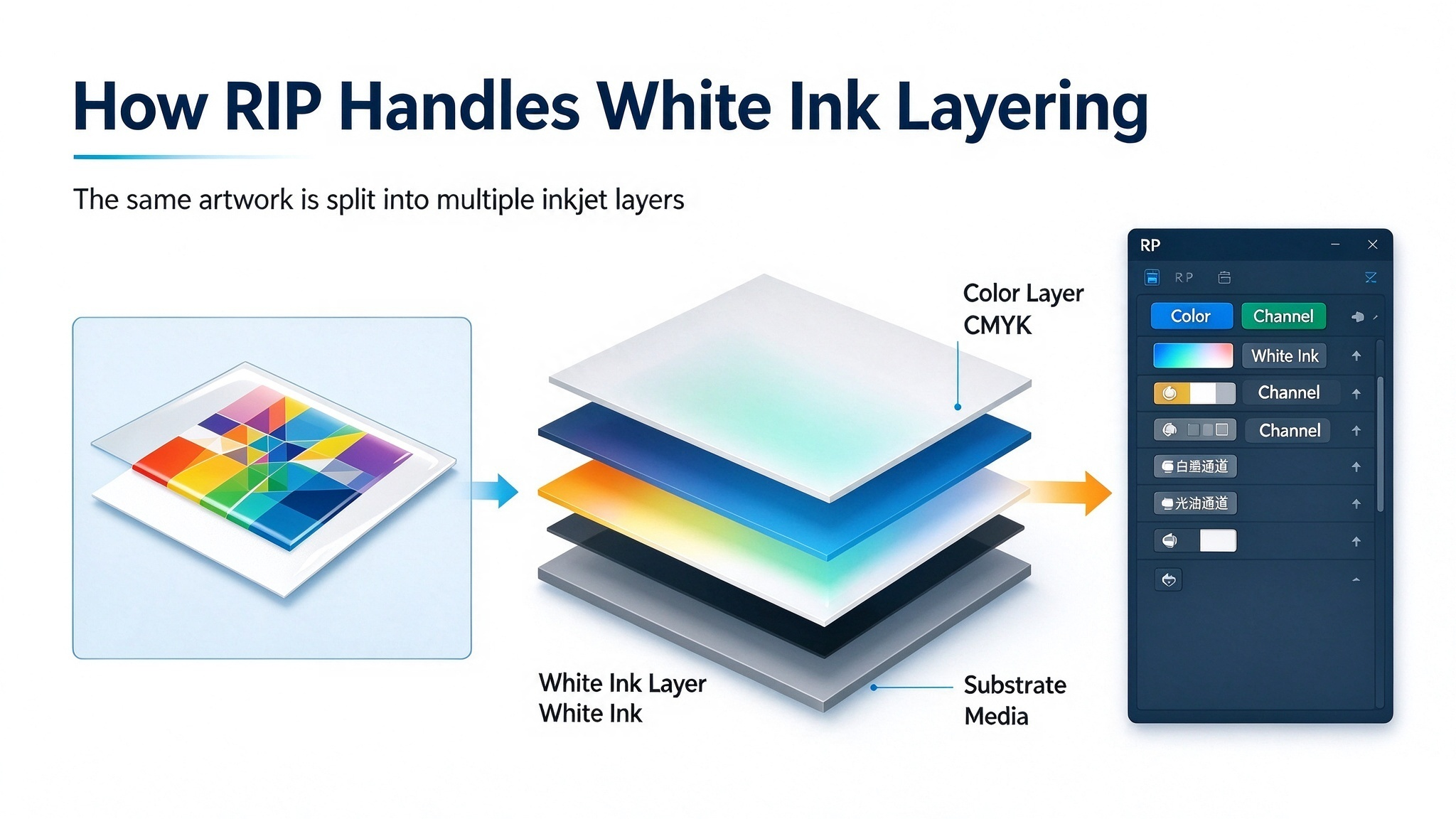
- Channel management: CMYK, white ink, varnish and spot color channel allocation
- Layer management: Separate layers for white base ink, color ink and top varnish
One single picture will be split into multi-layer inkjet data after imported into RIP.
- Same file, printer & ink, different colors after switching RIP?
A common puzzle in UV printing: even with identical artwork, UV printer and UV inks, print color changes when you switch RIP software or color profiles.
RIP deeply controls color calculation, ink distribution, channel interpretation and ICC color management. Different RIP engines use different algorithms, so ink droplet data varies and causes visible color difference on finished prints.
- RIP Software vs Printer Driver: What’s the Difference?
Many new users confuse RIP with printer driver:
- Printer driver: Build communication between PC and printer hardware
- RIP software: Rasterize graphics and convert images into inkjet dot data for UV output
Industrial UV machine software architecture is more complex; this simplified version works well for beginners.
- Why UV color calibration is done inside RIP
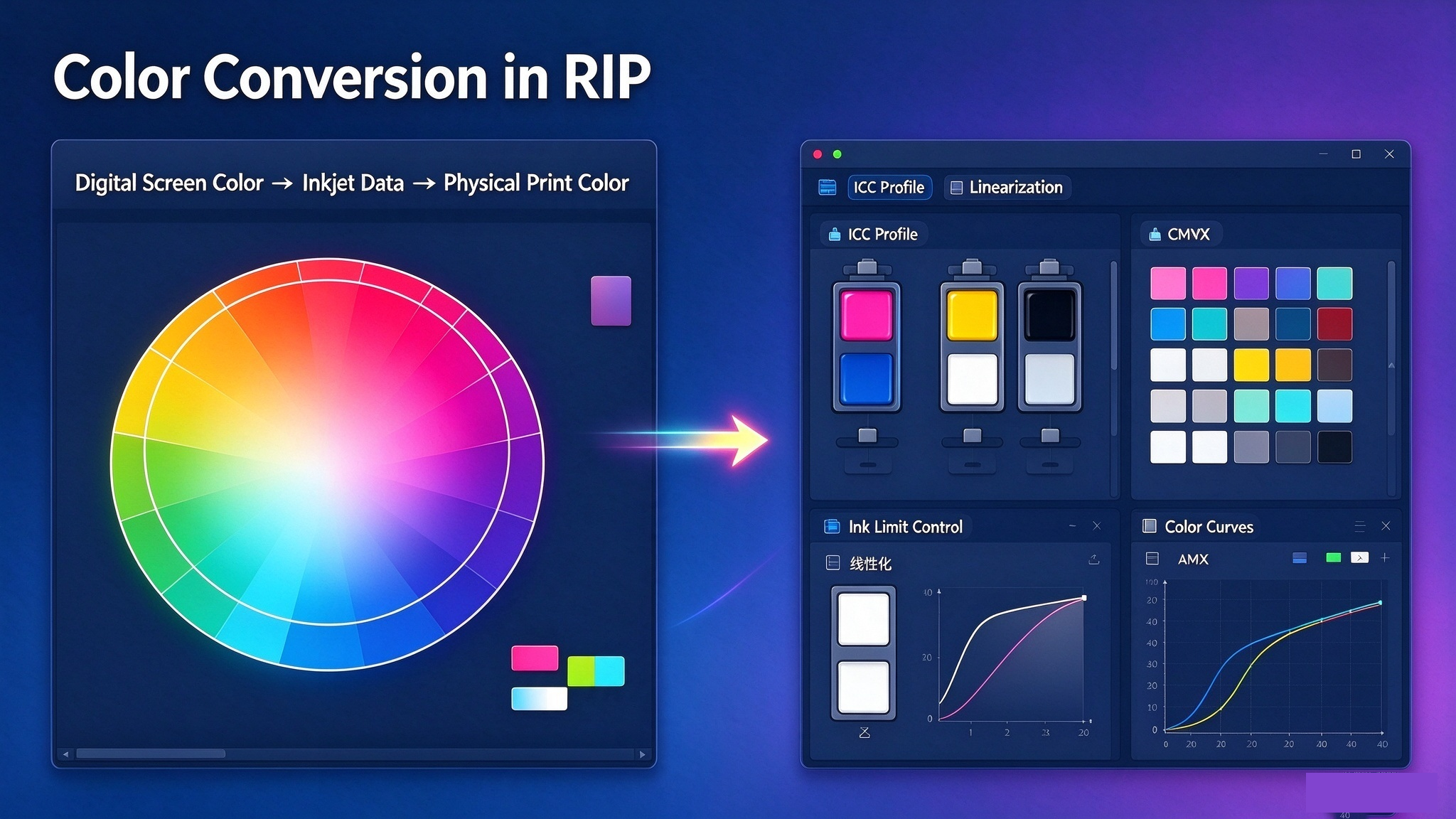
Screen color never matches physical printed color. RIP bridges digital color and real print output. Technicians perform calibration inside RIP: ICC profile setup, linearization, ink limit and color curve adjustment.
Repeated testing with color charts is not random tuning. It builds a stable mapping:
Digital screen color → RIP ink calculation data → Final UV printed color
- RIP is critical, but not a magic tool
RIP plays a vital role but cannot fix all printing issues automatically. Poor printhead condition, unstable ink, mechanical error, improper UV curing or changing substrate materials will ruin print quality no matter how good your RIP is.
UV print quality is a systematic project: Print head + UV ink + Machine mechanics + UV curing + Printing media + RIP software + Color management. All factors work together for stable premium results.
Conclusion
RIP stands for Raster Image Processor. RIP translates "what design to print" into "how the UV printer jets ink". It connects design stage and production stage, and serves as the core component of UV color management.
TOP Printing | Professional UV Printing Solutions